
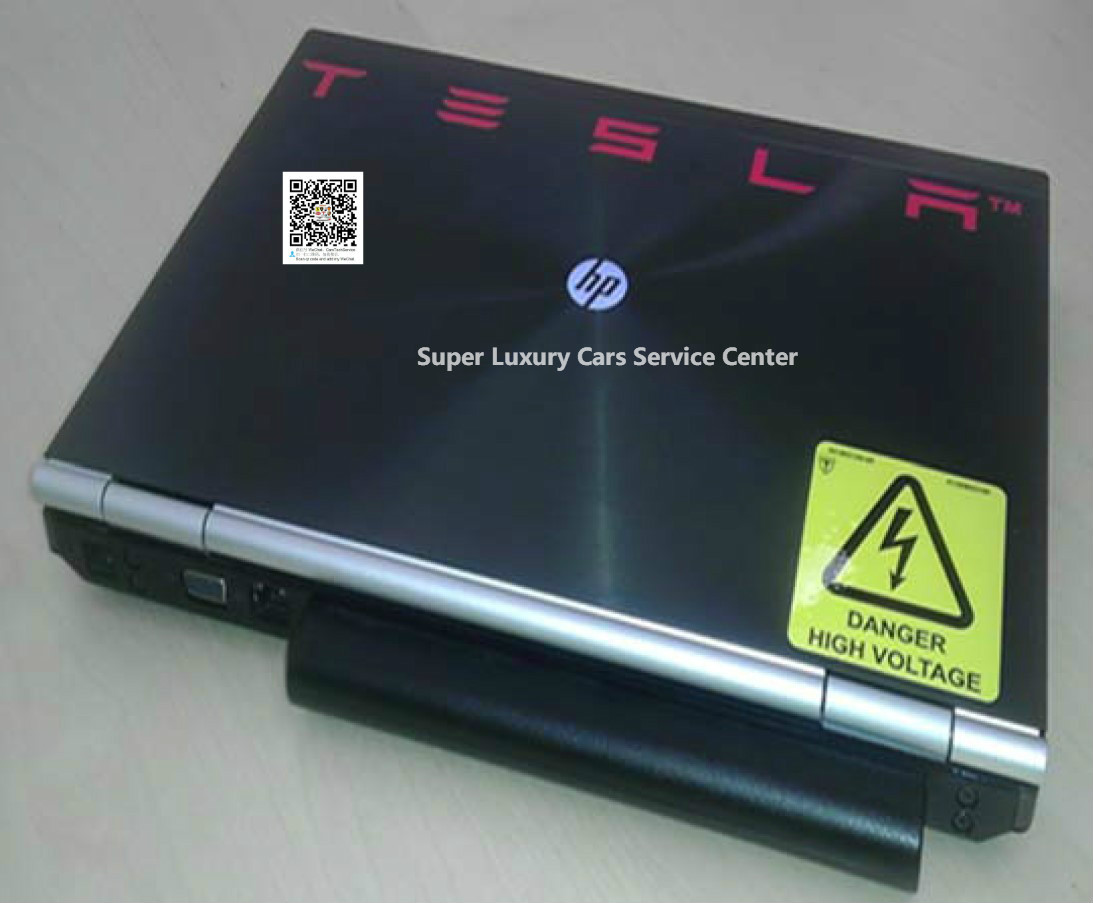
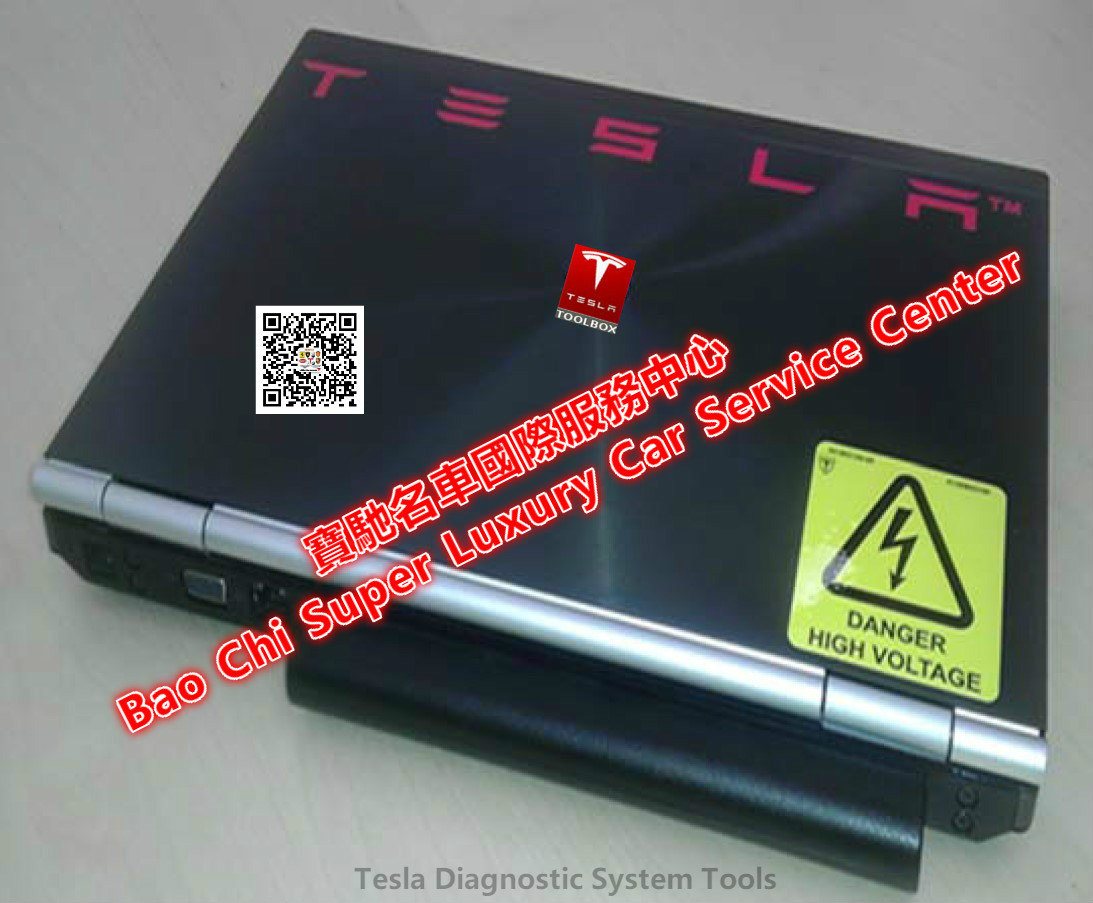

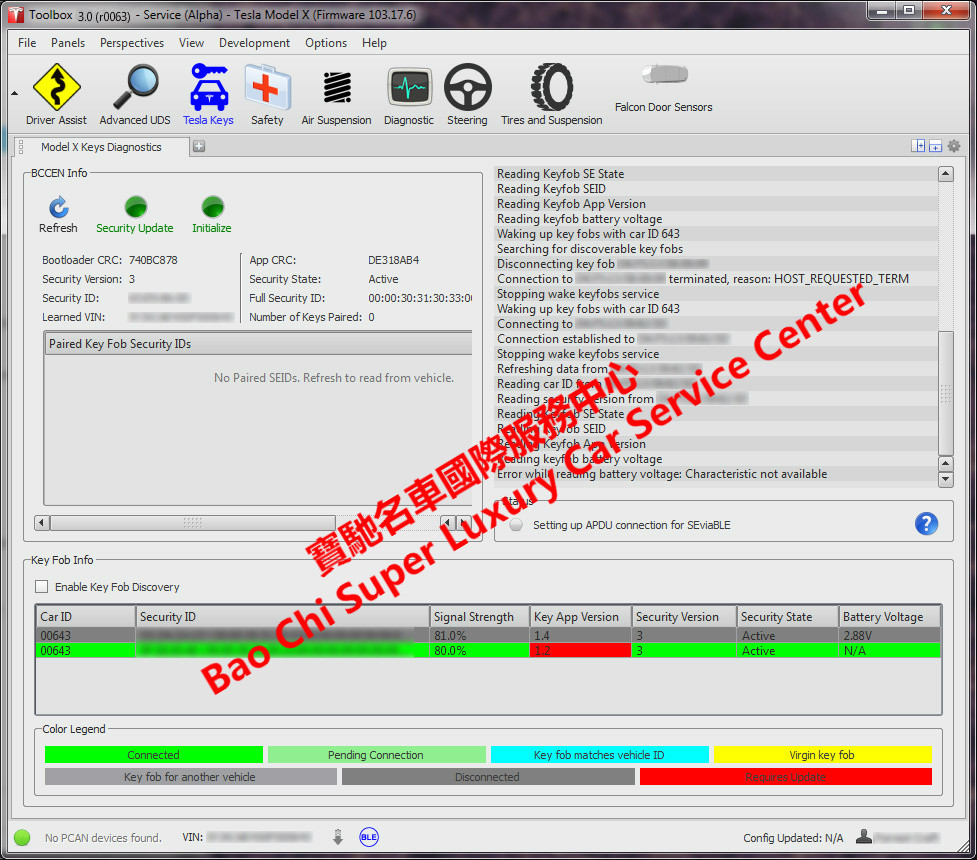
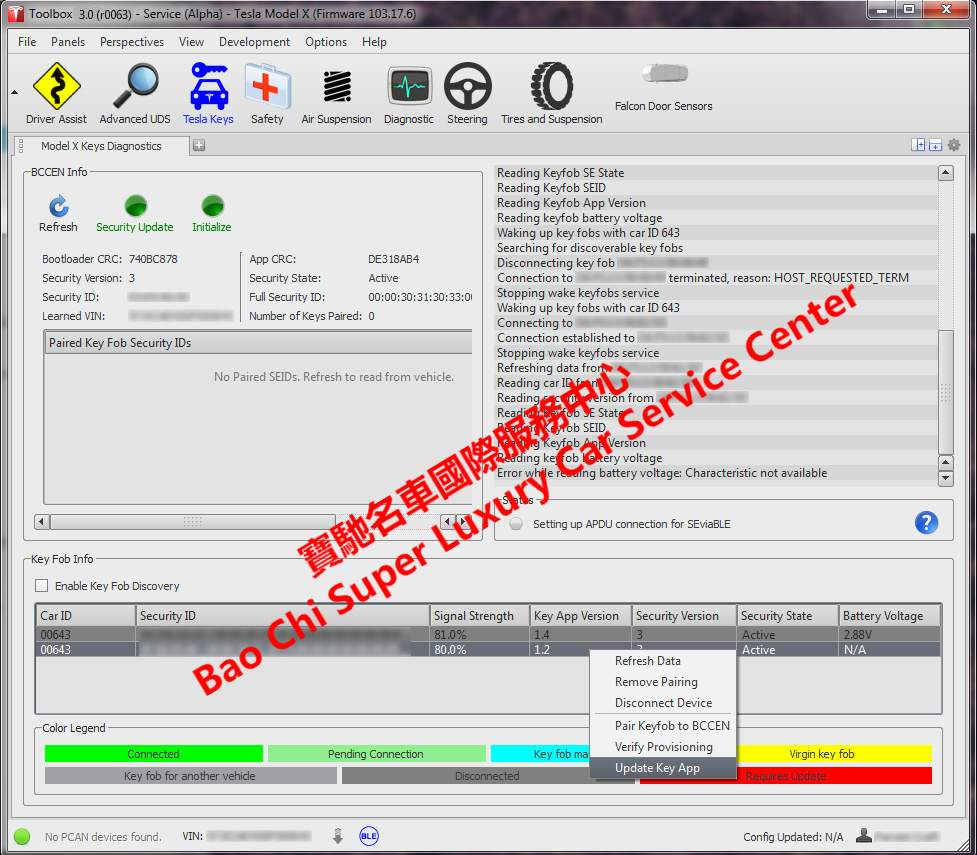
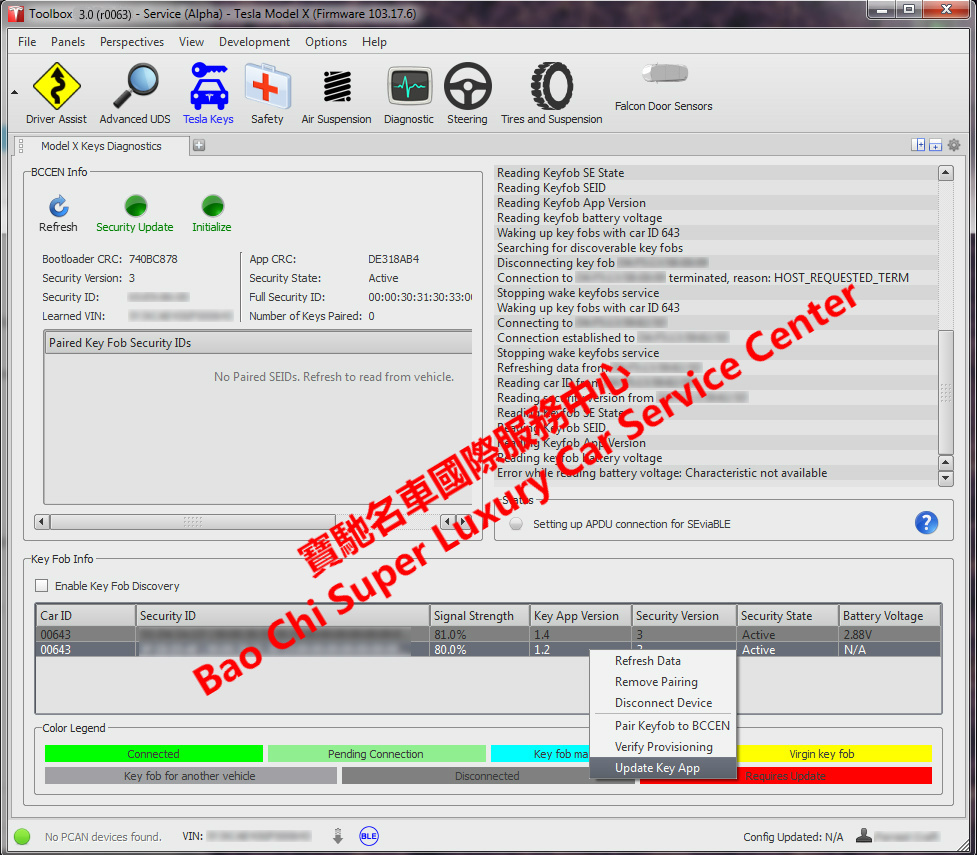
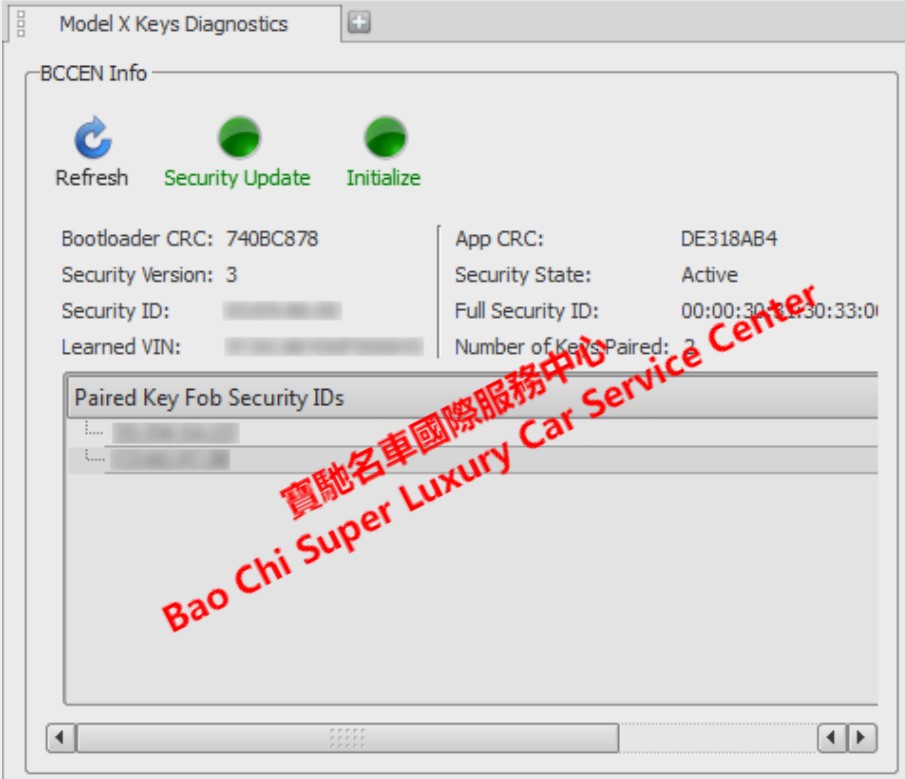
Tesla Toolbox Diagnostic Tool Diagnostic Software System Tester Engineering Edition Engineer Level Diagnostic Kit.
Delivery time: Can be shipped to countries worldwide within 5 days, with delivery available to any region of the world.
Language: English Deutsch Français Español Русский Korean Chinese. and other languages, depending on the account’s market.
Shipping: Typically handled by DHL, UPS, FedEx, for specific countries, international dedicated logistics services are also available.
• Tesla Toolbox is Tesla cars original online professional diagnostic and maintenance system. Having undergone three generations of updates, V3 is currently the primary version. It supports full-vehicle scanning, fault code reading, data streaming, firmware updates and redeployment, as well as module flashing, programming, and calibration. It is exclusively designed for use by technicians and engineers at after-sales service centers. The Engineering Edition grants the highest level of access for deep debugging.
• Supported Vehicle Models: Tesla Roadster ModelS ModelX Model3 ModelY Cybertruck, and future new models. Covers all Tesla Vehicles models.
TESLA TOOLBOX Diagnostic System Feature Overview:
1. Read/clear fault codes and view data streams from various vehicle controllers (BMS, motor, thermal management, Autopilot, body domain control).
2. Service Mode Plus: Real-time CAN bus monitoring and unlocking of advanced vehicle service permissions (Tesla Serv…).
3. Online Programming/Matching (Redeploy) for Replacement Parts: When replacing electronic components such as batteries, drive boards, headlights, steering systems, cameras, and radar, Toolbox must be used to configure the modules and bind them to the VIN; otherwise, the parts will not function properly.
4. Calibration: Calibration of autonomous driving cameras and millimeter-wave radar, as well as chassis and steering calibration.
5. Firmware Redeployment: Firmware flashing for the entire vehicle or individual controllers.
6. Access to the repair knowledge base and service manuals; execution of high-voltage safety-related maintenance tasks; and retrieval of EDR accident data.
I. Tesla Toolbox V1 (First Generation, Early Diagnostics)
Compatible Models: Early Roadster Model S / Model X (2012-2016, MCU1, HW1/HW2).
Toolbox 1.0 Features (Basic Diagnostics, Limited Permissions).
• Read and clear DTCs; access basic vehicle data streams.
• Simple module redeployment: BMS, motor controller, and body module replacement and calibration.
• Basic maintenance tasks: high-voltage insulation testing, cooling system bleeding.
• Read basic logs and perform simple EDR data export.
II. Tesla Toolbox V2 (Second Generation, formerly the main tool, but updates have now been discontinued)
Compatible Models: Later Model S/X (MCU1/MCU2), Early Model 3 (2017-2019, HW2.5/Early HW3.0).
Core Features of 2.0
• DTC reading/clearing, real-time data stream, vehicle status monitoring.
• Component redeployment and module binding (battery, motor, headlights, brake module).
• Basic camera calibration for HW2.5 and early HW3.0, as well as calibration after glass replacement.
• Firmware flashing for the entire vehicle or individual controllers, log export, and EDR reading.
• A large number of standardized repair task scripts: high-voltage testing, brake bleeding, and thermal management repairs.
III. Tesla Toolbox V3 (Third Generation, the after-sales diagnostic system currently used by official service centers)
Compatible Models: All models, including older Model S/X, Model 3/Y, Refreshed Model 3/Y, and Cybertruck; fully supports HW2.5, HW3.0, HW4.0, HW5.0.
Languages: Supports English, German, French, Spanish, Japanese, Chinese, Korean, and more-a total of 26 languages covering the global service market.
Core Features of Toolbox 3.0 (All features from V1 and V2, plus numerous new additions)
• Automatically activates Service Mode Plus when connected to a vehicle; includes a built-in CAN Viewer for real-time viewing of CAN bus messages (some proprietary messages are blocked in the Aftermarket Edition; fully accessible in the Engineering Edition).
• Redeployment for the full range of controllers; online VIN binding for HW4 cameras, radar, the new gateway, the new BMS, and the Tire pressure module; maintenance for new vehicle models requires V3.
• Full ADAS calibration for HW3, HW4, and HW5, including camera and millimeter-wave radar recalibration after windshield replacement.
• Read/write vehicle configuration (Read Config) to modify hardware option parameters.
• Firmware flashing and rollback for individual controllers; repair of vehicles bricked due to interrupted updates.
• Full suite of standardized maintenance tasks: high-voltage inspection, battery insulation testing, coolant drain, brake bleeding, complete EDR export following collision.
• Multiple independent data dashboards: high-frequency real-time data streams for BMS, motors, thermal management, autonomous driving, and body domain control.
IV. Tesla Toolbox R&D Engineering Edition
Engineering Edition: Accounts used by Tesla’s internal R&D, factory testing, and technical engineering departments, with the highest-level access privileges; this is a separate permission pool from the dealer edition. This is a research and development debugging tool for Tesla engineers, offering the highest level of low-level control over the entire vehicle. It allows for direct firmware flashing, VIN modification, and reading/writing low-level ECU calibrations; in contrast, the standard version is a limited after-sales maintenance tool that can only perform officially pre-packaged repair tasks, with restricted low-level read/write access. Engineering accounts are not available to dealers.
Core Features of the Engineering Edition (Compared to Standard Toolbox V3)
The standard version is limited to after-sales maintenance, component replacement calibration, firmware updates, reading fault codes, and basic CAN monitoring; the Engineering Edition adds permissions for low-level debugging, development, and factory testing of the entire vehicle:
1. Low-level controller read/write access (the key difference)
• Directly read and write raw data from the low-level registers, RAM, and Flash of various ECUs, bypassing after-sales read/write restrictions.
• Modify low-level hardware calibration parameters: motor torque curves, BMS charge/discharge protection thresholds, thermal management PID parameters, and low-level braking system calibration.
• Perform bare-chip firmware flashing: no VIN verification required; directly flash firmware to blank controllers (the standard service version requires VIN binding + online redeployment and cannot flash blank modules).
• Supports single-chip-level debugging, reading undocumented internal logs and memory states.
2. Full-Volume Vehicle Bus Packet Capture and Low-Level Debugging
• Complete, unfiltered capture of CAN/LIN/Ethernet messages: The CAN Viewer in the standard V3 version masks internal proprietary messages; the Engineering Edition displays all messages, including internal debug messages and raw sensor sampling data.
• Actively send underlying bus commands to force various controller state transitions (force wake-up, force high-voltage shutdown, force locking/unlocking of various actuators).
• High-frequency, high-speed data stream sampling for endurance testing and bench testing.
3. Flexible Modification of Vehicle VIN and Hardware Configuration
• Freely modify the VIN**; the standard service edition’s Redeploy feature can only bind to a specific VIN and does not allow arbitrary VIN changes.
• Freely configure the vehicle’s hardware inventory: Enable or disable model-specific options and hardware configurations at will (e.g., temporarily enable FSD or EAP for internal testing only; settings revert after a vehicle reboot or server verification).
• Factory off-line testing: Final inspection on the new vehicle production line, factory calibration, and factory DVT/PVT test tasks.
4. In-depth control permissions for the high-voltage system
• Force control of the BMS; manually control cell charging and discharging; individually activate or isolate battery cells (extremely high-risk; the standard maintenance version does not have this permission).
• Force control of high-voltage contactors; manually set the status of high-voltage circuits; perform offline battery pack bench testing (can drive the test battery even without the entire vehicle).
• Complete insulation testing; low-level calibration of cell voltage and internal resistance.
5. Autonomous Driving HW3/HW4 Development and Debugging Permissions
• Real-time export of raw image and point cloud data from cameras and radar at the low-level (the standard V3 version is limited to calibration and cannot access raw perception data).
• Temporary modification of ADAS algorithm parameters and disabling of safety restrictions (limited to internal test vehicles only).
• Flashing of perception models and version switching, supporting comparative testing of different firmware versions.
6. In-Depth Export of Logs and EDR Data
• Access to full internal debugging logs (the Standard Edition can only access after-sales fault logs), including debugging events from the development phase, internal error messages, and background tracking data.
• Complete, unredacted raw dump of EDR accident data.
7. Special Debugging Commands
• Remove a wide range of vehicle protection restrictions: remove speed limits, remove power restrictions, and disable various fault protection mechanisms (limited to internal test vehicles only; strictly prohibited on mass-produced road-legal vehicles).
• Force entry into various hidden engineering modes (in-vehicle infotainment engineering menu, BMS engineering mode—modes that cannot be accessed via standard Service Mode Plus).
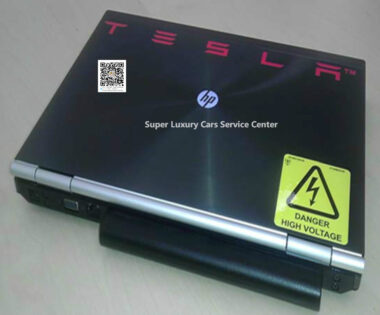
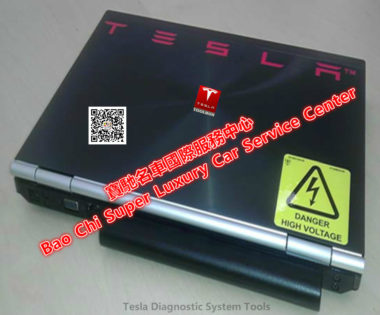
TESLA TOOLBOX Diagnostic Kit List: HP diagnostic laptop, Toolbox software system, Toolbox login account password, Registration API token, VPN server, BLE dongle, user manual, Ethernet diagnostic cable, OBD-II J1962 to RJ45 Ethernet diagnostic adapter cable, VCI adapter box, VCI OBD-II cable, VCI USB Cable, Ethernet-to-USB adapter, CAN adapter, CAN Test Extension Cable, Y-Cable, USB-CAN adapter, CAN Bus Interface Card, Portable Tool Case, etc.
* Tesla Toolbox diagnostic system license login users enjoy two years of free, after which an annual fee of approximately $900 will be charged.
* Tesla Toolbox Automotive diagnostic tool comes with a three -year warranty. We also provide long-term professional technical service support.
※ With over twenty years of experience delivering technical services for ultra-luxury vehicles, we offer state-of-the-art vehicle diagnostic capabilities and comprehensive engineering services. Our team consists of manufacturer-certified technical engineers with hands-on experience in complete vehicle engineering testing and technical support for track vehicles. We maintain close collaboration with technical departments of many automotive manufacturers, which grants us unique strengths in vehicle diagnostics & repair, specialist diagnostic tools, engineering development and parts supply. We provide OEM dealer-grade and engineering-grade automotive diagnostic testers alongside diagnostic engineering development support, including electric vehicle engineering services. Drawing on resources from automotive manufacturers’ engineering divisions, we deliver professional, responsive technical support. While other third-party service providers in the market copy our products and service offerings, our long-established expertise and backend resources cannot be easily duplicated, and these third parties are in no way affiliated with our organisation.
Madhavur –
Thank you very much for the excellent sellers who helped me solve the work of the Tesla workshop. I can now complete technical work in Model3 and ModelY workshops. Thanks for the support.
Владимир –
The most professional supplier,